If you have access to a Share Mailbox or another persons email, you can access the mailbox following this process.
- Logon to Office.com from your web browser
- Open the Outlook app from the menu

- Outlook will open up and will show your inbox
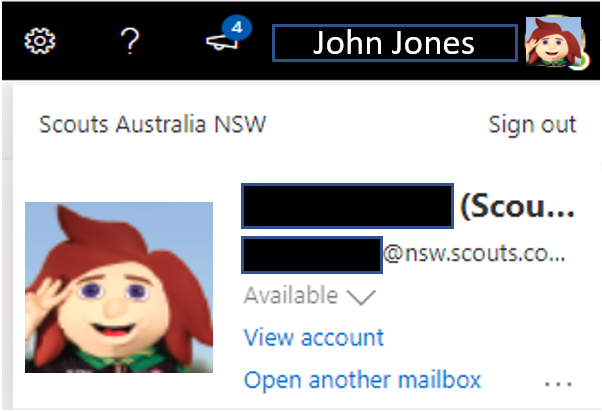
- Up on the top righthand side of the screen you will see your name and photo (if you have uploaded one).

- Click on your name and click Open another mailbox
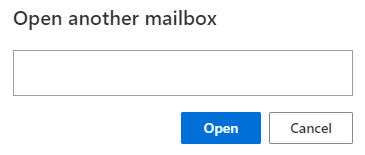
- Enter the email address of the mailbox you want to open.
- The mailbox will now be open.
You can open as many mailboxes as you need. They will open up in a new tab in your browser.