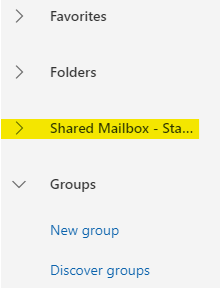
- After logging onto your account via the Web Portal and navigating to Outlook you will see in the left hand side Folders
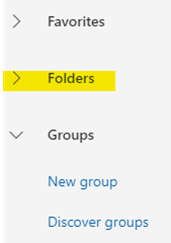
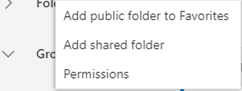
- Right click on this menu to show you more options. Click on Add shared folder
- The Add shared folder will be shown
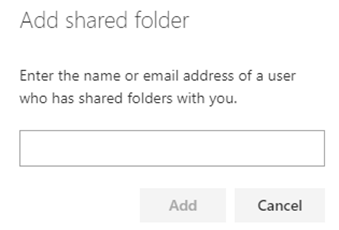
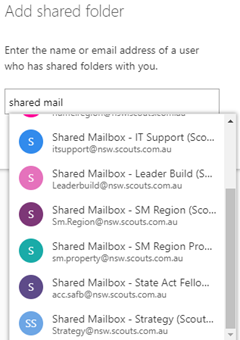
- Start typing the name of the shared mailbox. Once you see the mailbox click on in
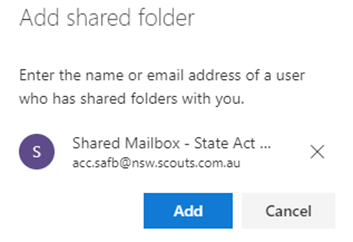
- The mailbox will be shown, press the Add button to add it to your menu
- Mailbox added to your menu. Click on the mailbox to expand the menu and select the inbox