Unable to Save Tasks by Planner in your Teams Site
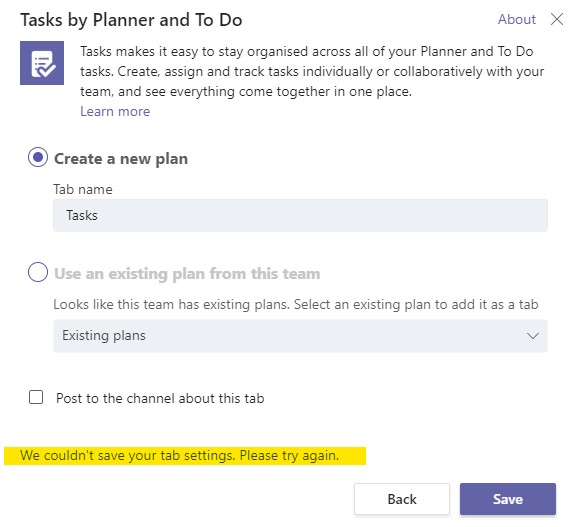
This is a known issue with adding tabs.
Follow these instructions to fix.
- Open the affected channel.
- Click on (...) and select Manage team.
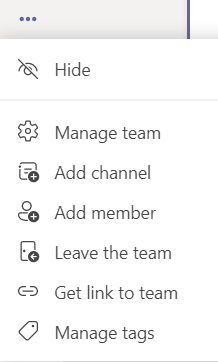
- Please change the affected user membership from "Owner" to "Member".
- Try again and user will be able to create the tab.
- Once created you can switch them back to "Owner".