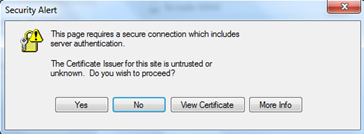
- Download the VPN client from
https://www.forticlient.com/downloads
Scroll down to find the software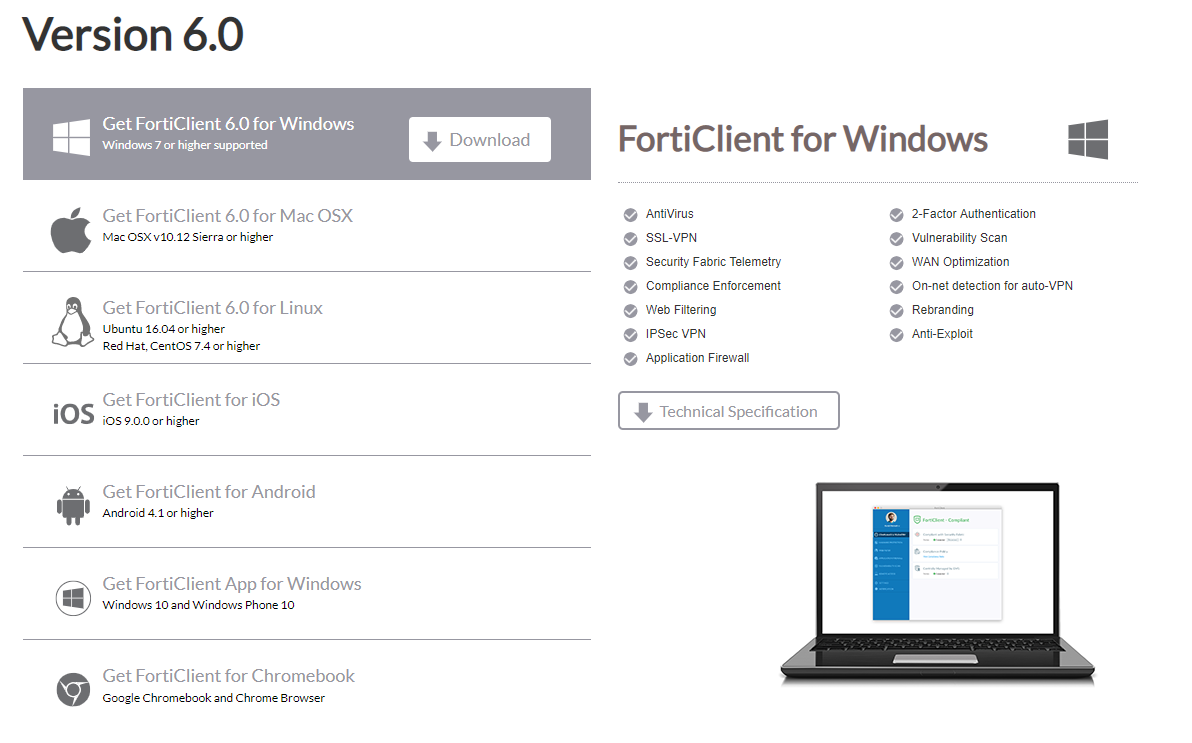
Download the version for your computer
The following instructions are for a Windows Computer - The file (should) will download to your downloads folder “FortiClientOnlineInstaller.exe”
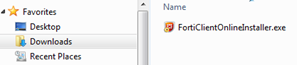
- Double click on this file to start the install process
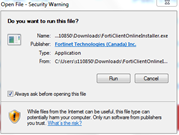
Click Run - The installation will begin
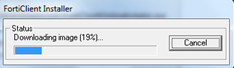
This is a progress screen - Once the installer has completed downloading you will see this screen
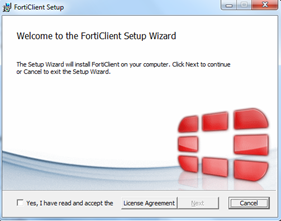
- Tick the Yes, I have read and …..

Press the Next button - Press the Next button
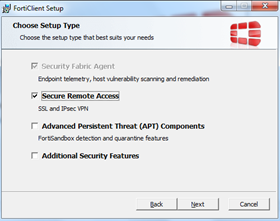
- Press the Next button
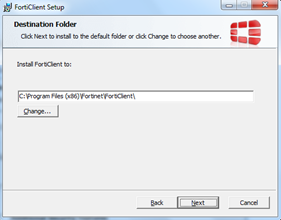
- Press the Install button
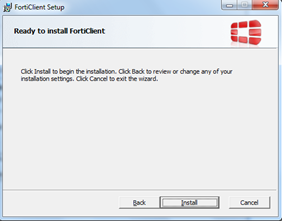
- Progress screens (This may take a few minutes to show progress)
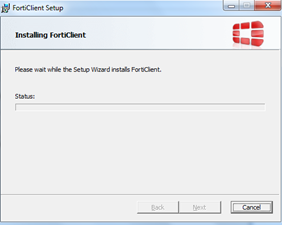
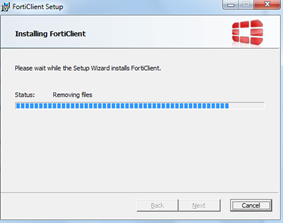
- Click Finish
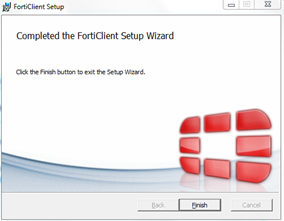
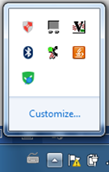
- In the Task bar (near the clock) find the FortiClient Icon and open it
- The FortiClient will be displayed
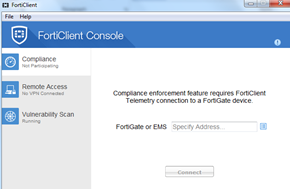
- Select the Remote Access section
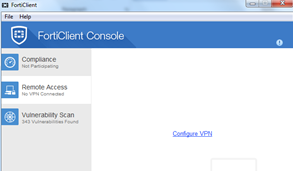
- Click on Configure VPN

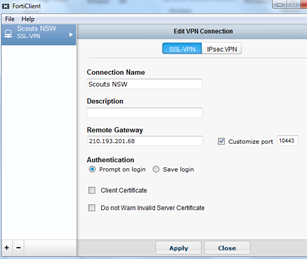
- The New VPN Connection screen will be shown
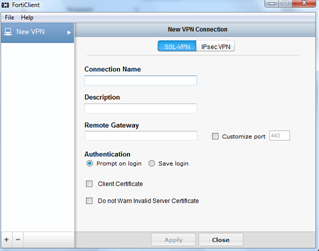
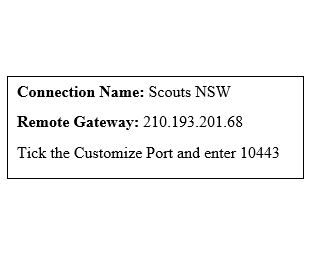
- Enter the following information and press Apply then Close
- The logon screen will be shown
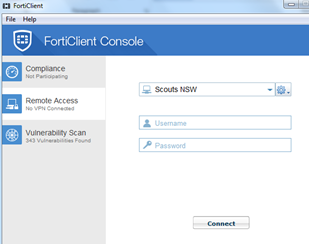
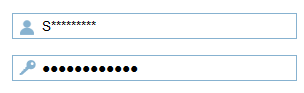
Enter your Username and Password and then press the connect button - Press Yes