https://support.office.com/en-us/teams
To request a Team be created ref to this information
Adding Members / Guest Members to your team
- Logon to O365 and navigate to Teams. You have to be the Team owner to add members
- From the main screen of the Team, select Add more people
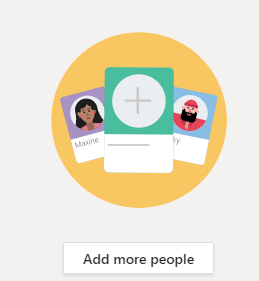
- Start typing the persons email address in the box
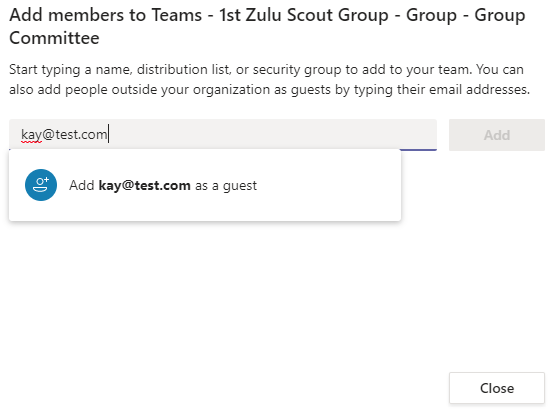
- Once the Add appears, click on it and then press the Add button
- The person will receive an email allowing them to access the team
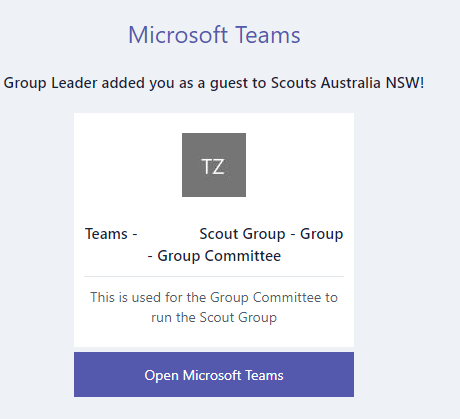
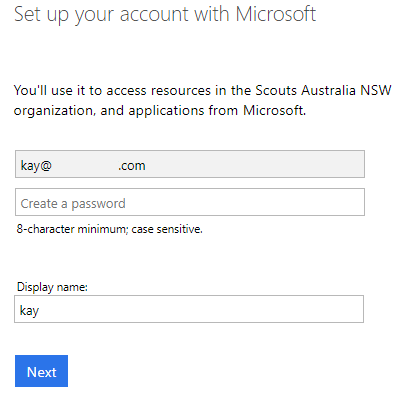
- When they clock on the Open Microsoft Teams they will be taken to a Set up your account with Microsoft